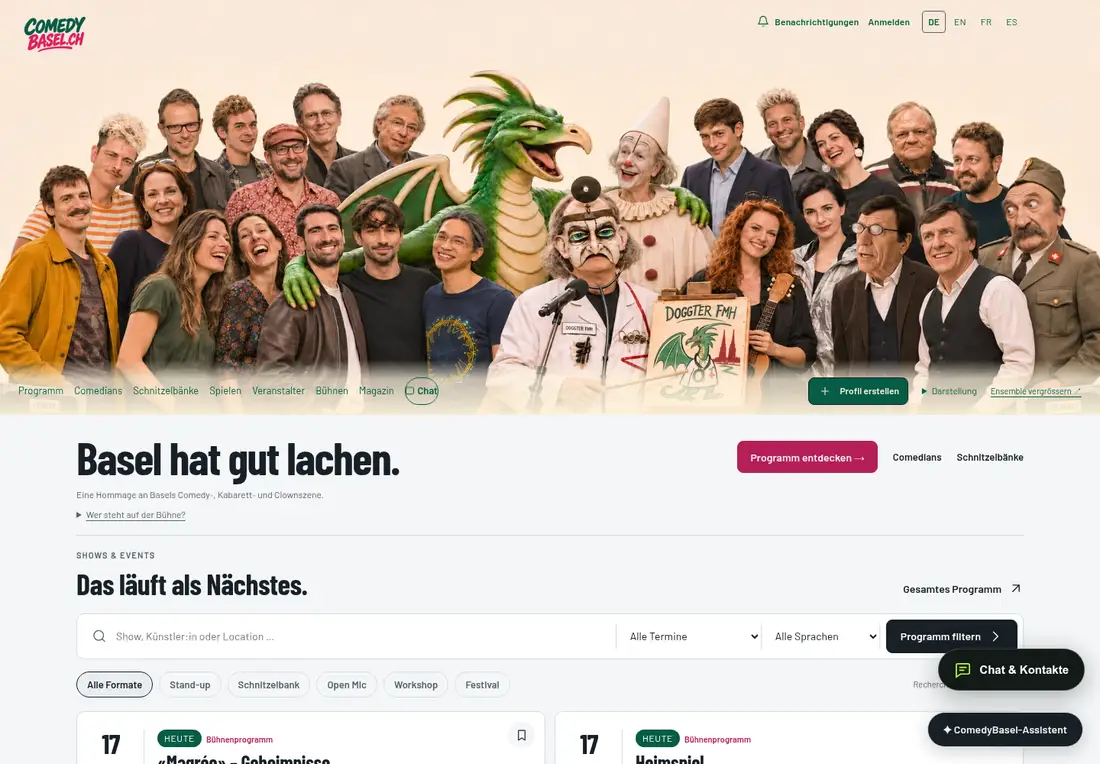
Find shows, discover stages and get to know people. A platform for comedy in Basel, bringing together listings, profiles and a magazine.
A good comedy platform helps you plan a night out and introduces the people behind the programme. ComedyBasel connects upcoming shows with comedian profiles, organisers, venues and stories from the scene. It also covers Schnitzelbänke, Basel’s satirical carnival verse, and ways to start writing and performing yourself.
What you can do
Find shows by date, language and format.
Get to know comedians, organisers and venues.
Read profiles, the magazine and the weekly digest.
Develop ideas through exercises and try comedy yourself.
Listings, people and editorial content work together. A calendar becomes a way into the whole scene.
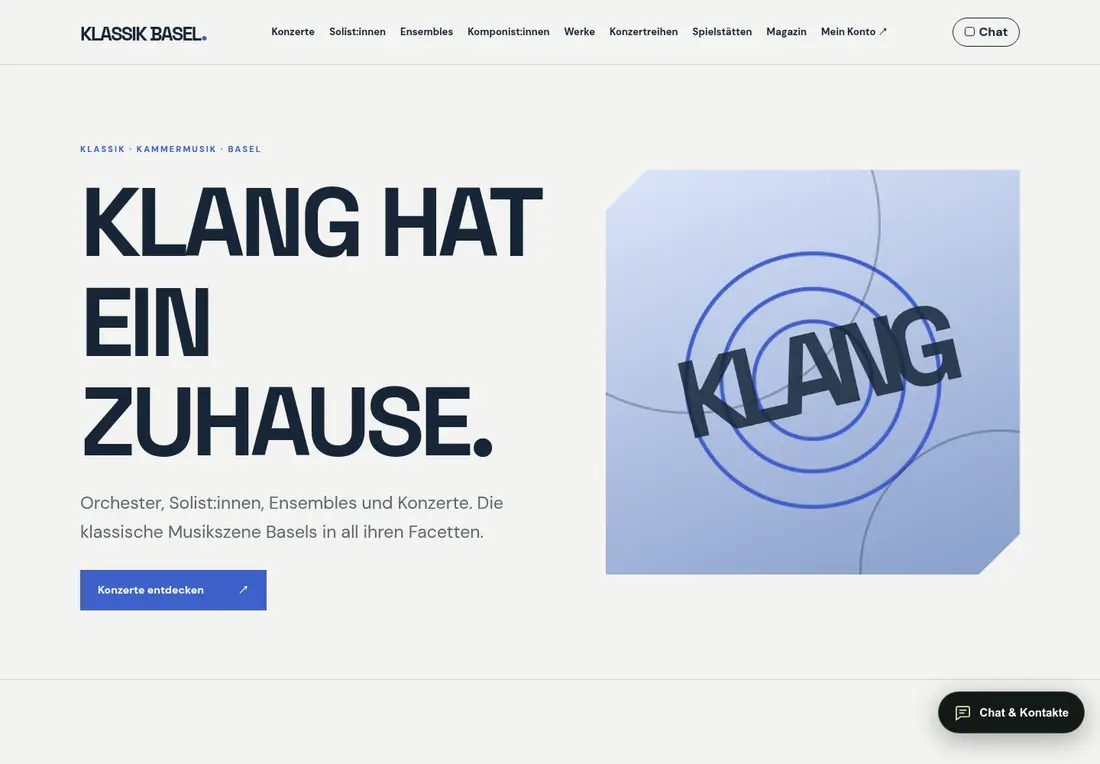
Explore concerts, soloists, ensembles and venues together. Classical music in Basel becomes easier to navigate and enjoy.
Classical music is more than concert dates. Soloists, ensembles, works and venues belong together. KlassikBasel gives those connections a clear structure, whether you are planning an evening or looking to explore the music scene in depth.
What you can do
Discover upcoming concerts in Basel and the surrounding region.
Get to know soloists, orchestras and ensembles.
Explore concert series and venues.
Continue exploring composers and works.
A directory with musical context: people, institutions and programmes are explored together.
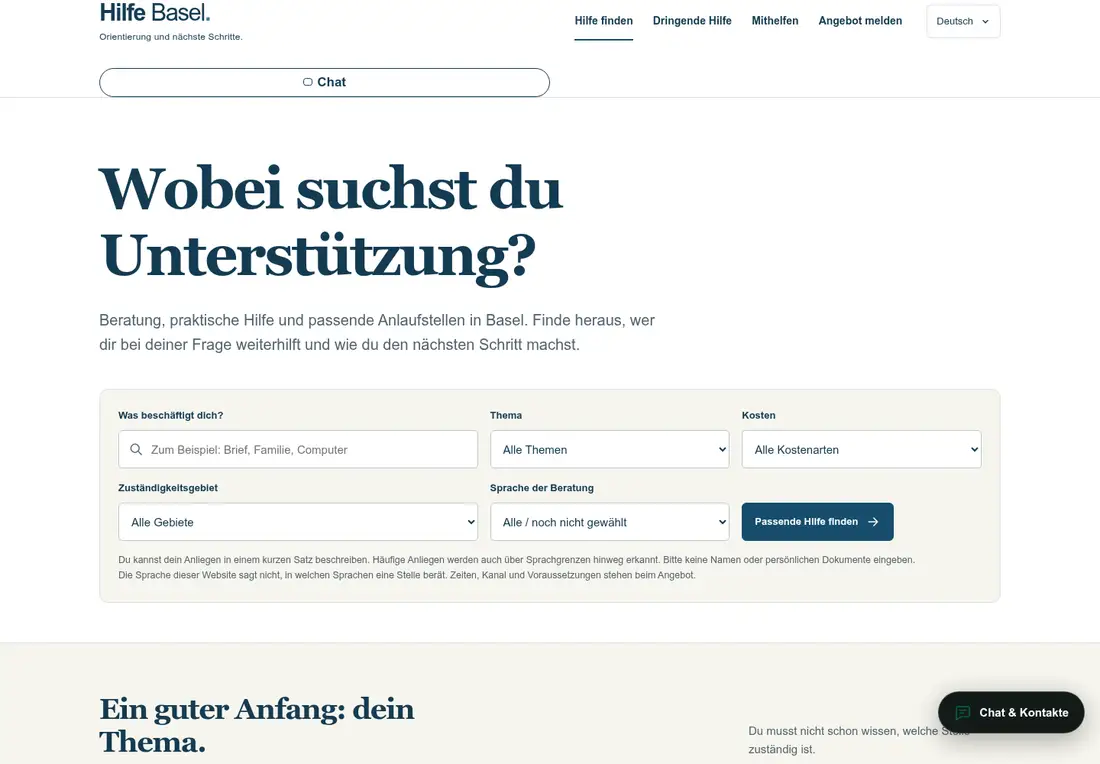
Find the right service by topic, cost and access requirements. With concrete contacts and a clear next step.
When you need support, you rarely already know the right organisation. HilfeBasel therefore starts with your situation. Advice and practical help are described with costs, eligibility, responsibilities and contact details. The key question is: what can you do next?
What you can do
Describe your situation in one short sentence.
Narrow results by topic, cost, area and language.
Read access details, contact options and next steps.
Check sources and review dates, or print the list.
Clear guidance in a difficult situation. The platform provides information; advice and allocation of places remain with the individual services.
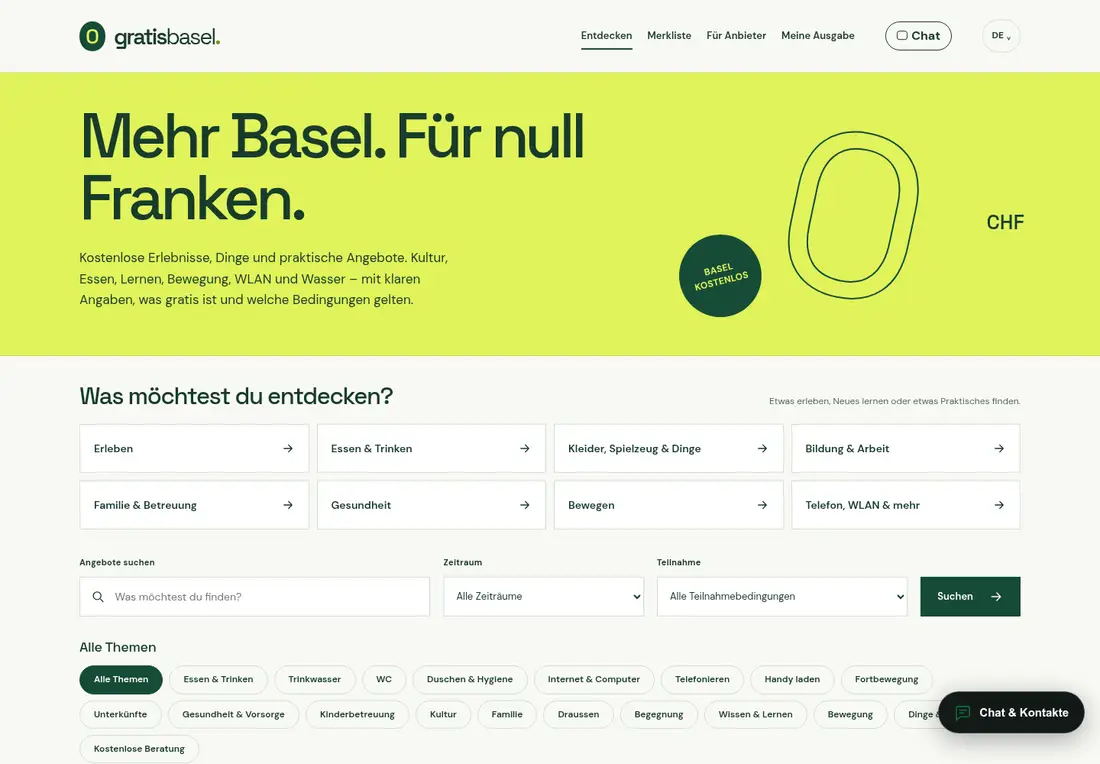
Discover free experiences and useful services. With clear information on registration, costs and conditions.
Experience Basel, learn something new or find everyday help without spending money. Basel.gratis brings together offers on GratisBasel.ch and explains exactly which part is free. Registration, eligibility and possible restrictions sit alongside each offer, turning a good idea into a practical plan.
What you can do
Discover free cultural, learning, exercise and everyday activities.
Search by keyword and date range.
Distinguish offers with and without registration.
Check conditions and the original source before visiting.
Go beyond saying ‘free’: explain exactly what people get and how to access it.
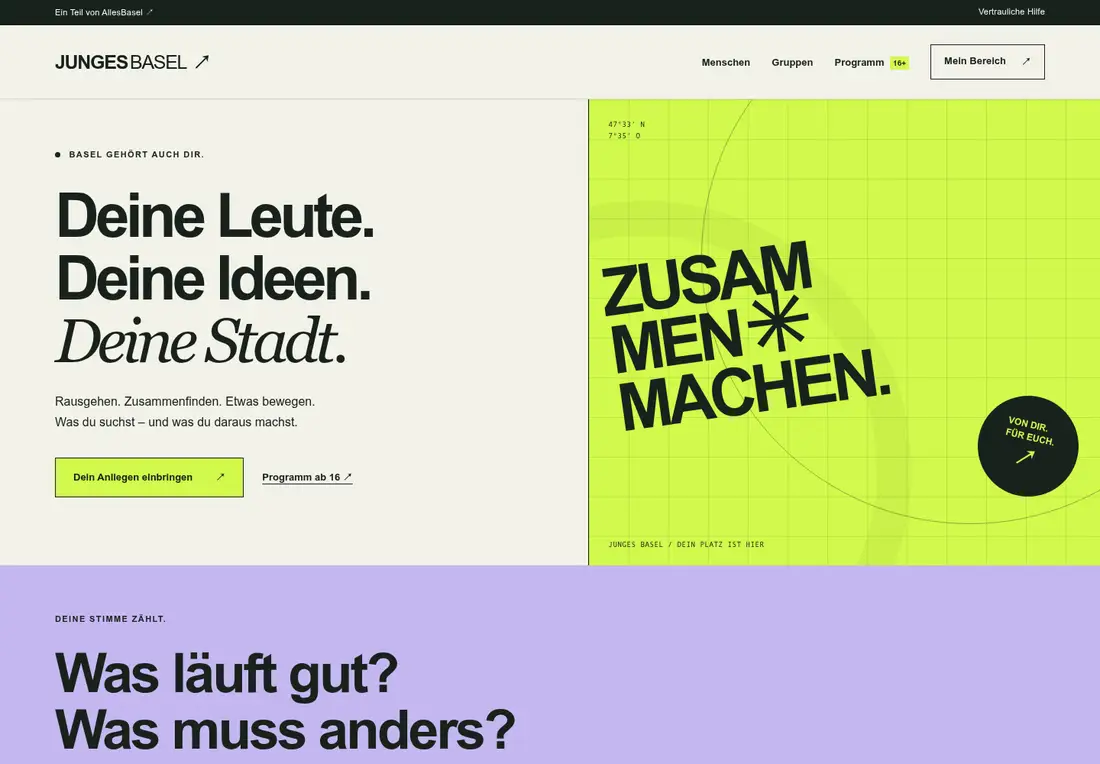
Find nights out open to ages 16 and up, meet people and put your ideas forward. With groups, conversation and practical ways to help shape Basel.
JungesBasel connects going out with getting involved. Alongside listings with sourced age-16 access information, it makes room for personal interests, encounters and ways to change the city. People and groups gain visibility, while concrete opportunities offer a first step towards a project of your own.
What you can do
Discover events for ages 16 and up with sources for the age limit.
Explore public profiles and shared interests.
Find groups and put forward your ideas.
Find a first step into music, culture, spaces and participation.
A community needs more than a sign-up form: understandable visibility, clear ways to get involved and content that matters in everyday life.
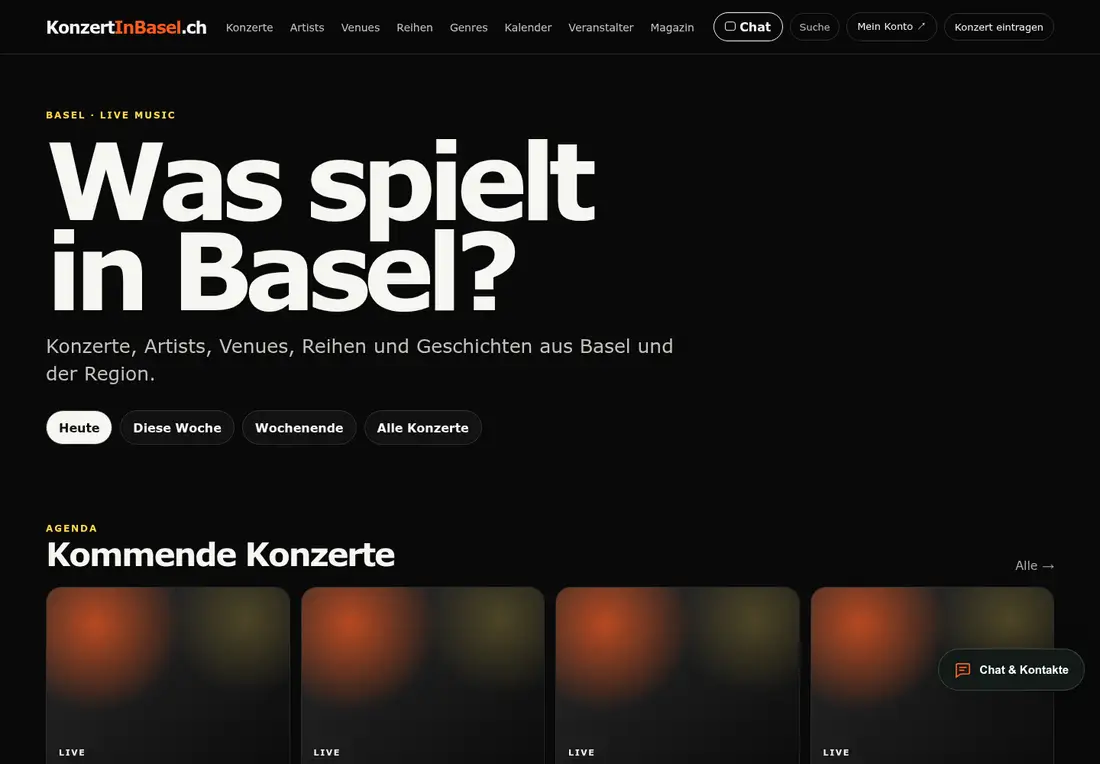
Find your next concert. Shows, artists, venues and series reveal what is coming to stages in Basel and the region.
A free evening often starts with a simple question: what’s on tonight? The platform brings together live music in Basel and the region, connecting each concert with artists, venues, series and organisers. It opens up discoveries beyond your usual favourite stage.
What you can do
Find concerts for today, this week or the weekend.
View programmes and event details.
Discover artists and venues.
Start exploring through concert series and organisers.
Listings with connections. The concert is the starting point; the people and places behind it lead to further discoveries.
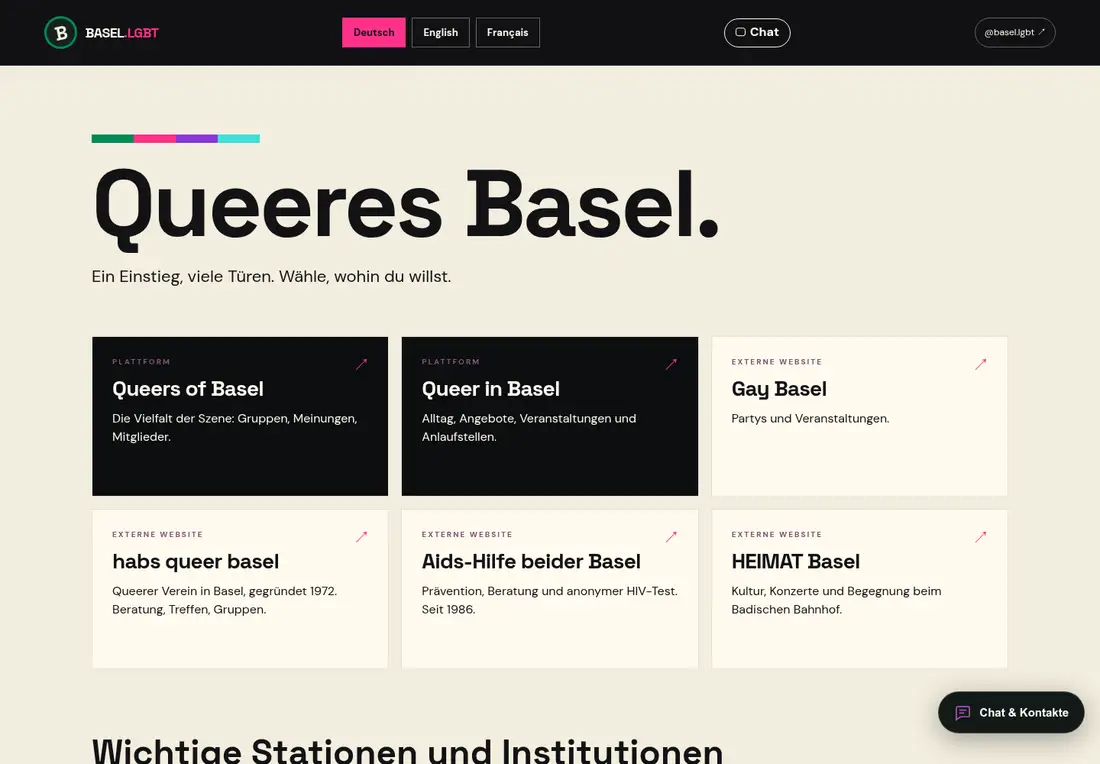
Find queer platforms, associations and support services. A clear guide to the scene, with key moments in Basel’s queer history.
There are many ways into the queer scene. basel.lgbt offers a clear starting point for platforms, events, associations, advice and health services. A concise timeline places today’s scene in the context of key moments in Basel’s queer history.
What you can do
Find relevant queer platforms and services.
Find associations, meeting places and events.
Access advice and health services.
Explore historical milestones with their sources.
A deliberately simple starting page: a few clear choices, direct links and context rather than another unwieldy list of links.
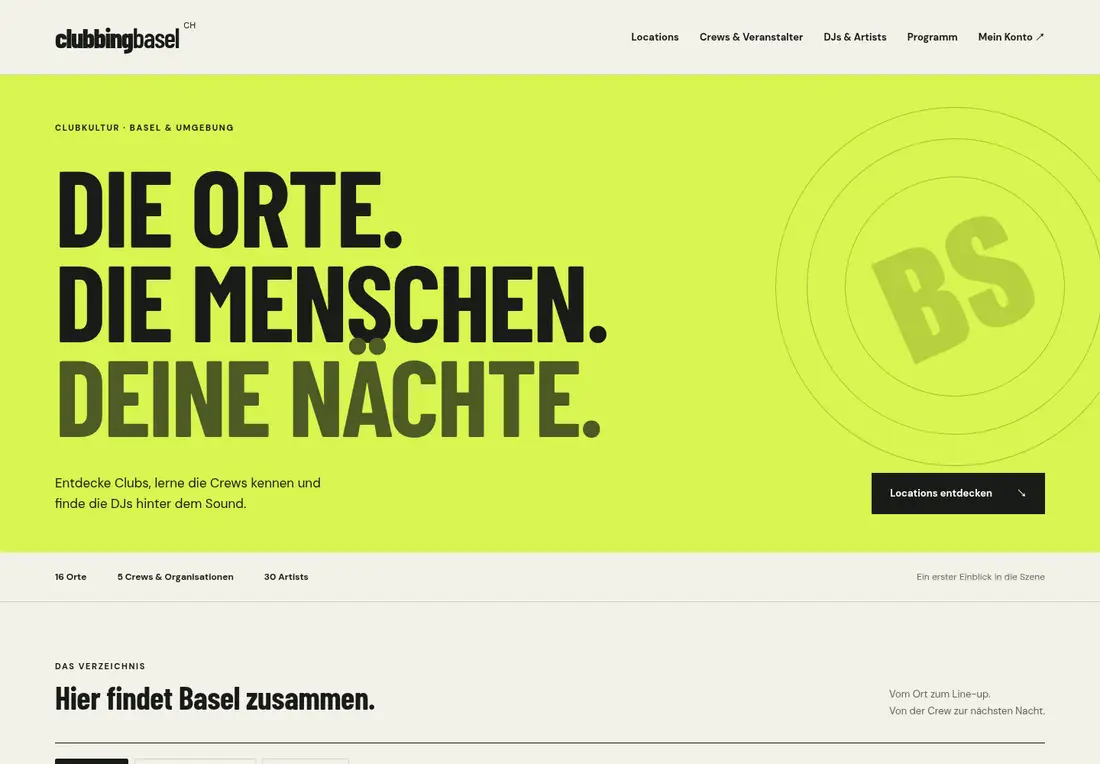
Discover parties and the scene behind them. Clubs, crews, DJs and artists become visible through their programmes and connections.
A club night is created by places, crews and people with a sound of their own. ClubbingBasel opens up this scene as a connected directory. Listings show upcoming nights, while profiles lead to clubs, organisers and artists.
What you can do
Switch between locations, crews and DJs.
Search profiles and narrow them down by region.
Discover upcoming nights with line-ups and event sources.
Find events with documented access for ages 16 and up.
The scene becomes visible through its connections. Access conditions and venue status are described individually, with the detail each place needs.
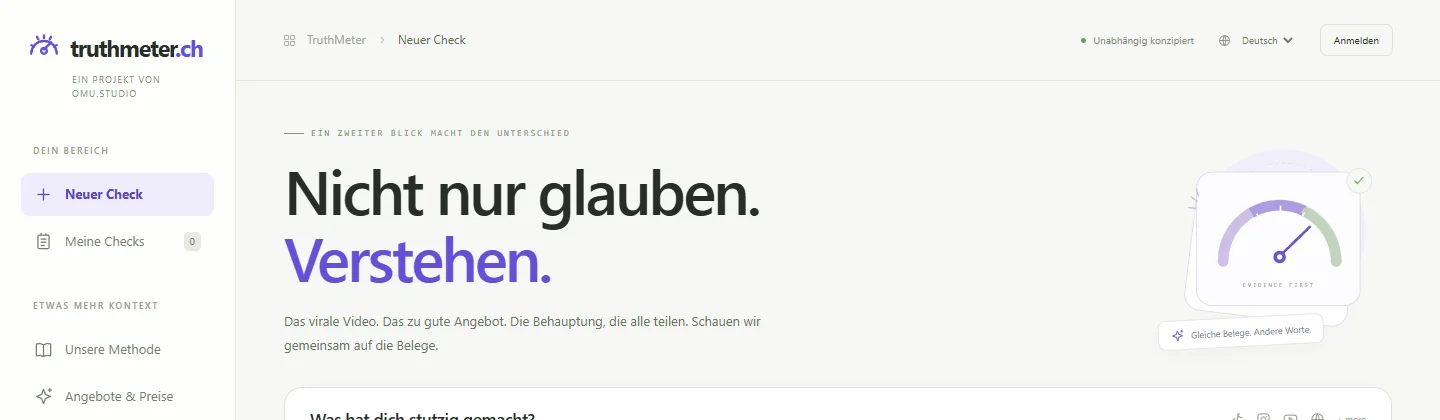
Put claims in context, explore sources and understand uncertainty. A second look at what convinces us online and what still needs evidence.
A viral video, a suspicious offer or a claim everyone is sharing: TruthMeter starts with a second look. It aims to make sources, evidence and unanswered questions understandable. The public interface accepts links and statements and provides example checks with different levels of explanation.
What you can do
Enter a link or claim to check.
Choose explanations for adults, young people or children.
See examples of how evidence and risks are assessed.
Open sources and see what remains uncertain.
Traceable sources and an honest account of what can be confirmed are essential. The availability and scope of checks depend on the service.
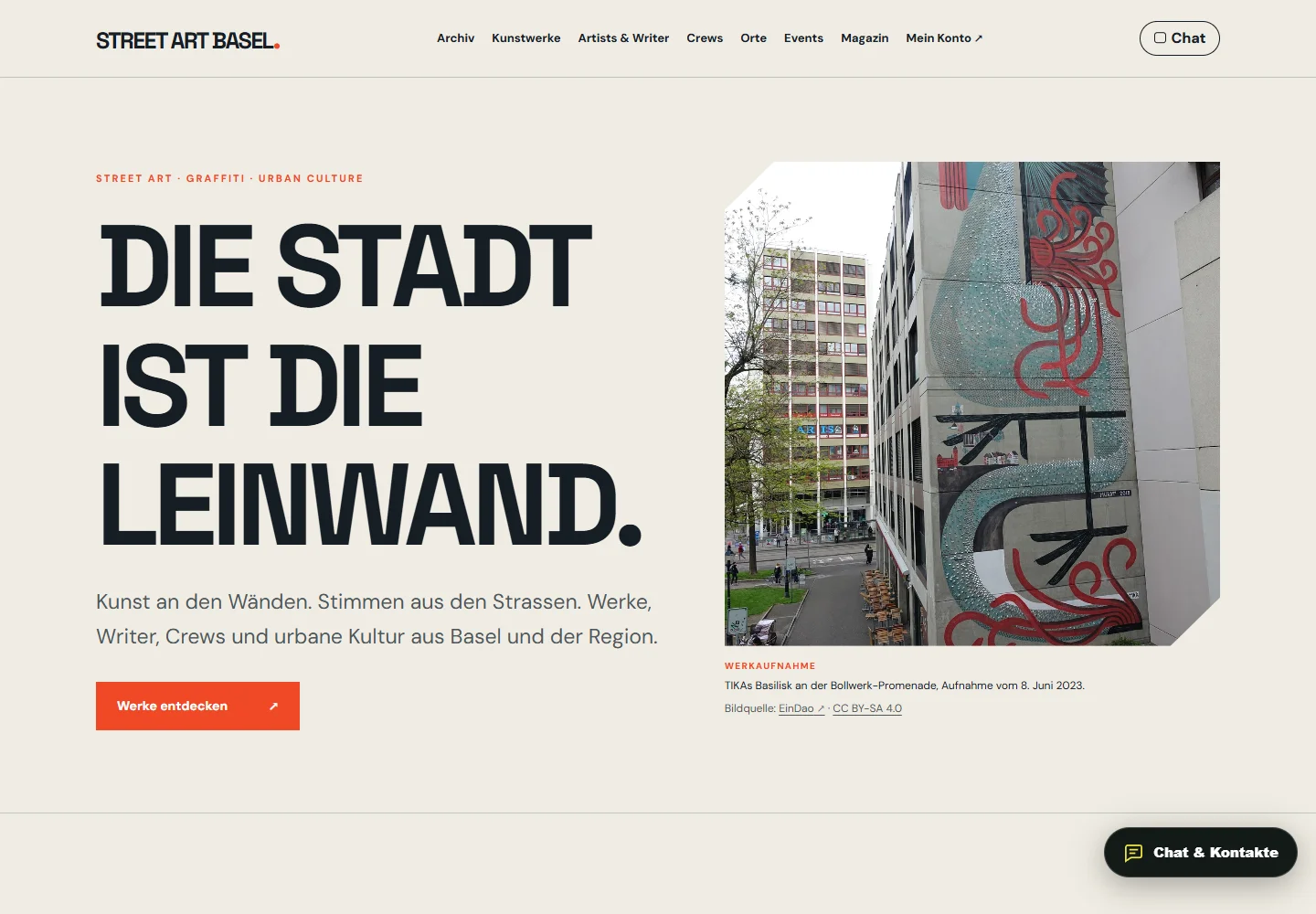
Street art, graffiti and urban culture in a connected archive: works, artists, writers, crews and places in Basel and the region.
A wall may be painted over, but its story is still worth telling. StreetArtBasel connects documented images of works with the people, crews and places behind them. The archive shows when a work was photographed, where the image comes from and whether its present condition is known. TIKA’s Basilisk, for example, leads to more works, artist profiles and locations around the city.
What you can do
Explore works and documented locations in Basel and the region.
Get to know artists, writers and crews through their work and stories.
Check image sources, capture dates and information about a work’s condition.
Discover urban culture through places, events and the magazine.
Ephemeral art becomes discoverable and understandable. A cultural archive connecting works, their creators and the city.
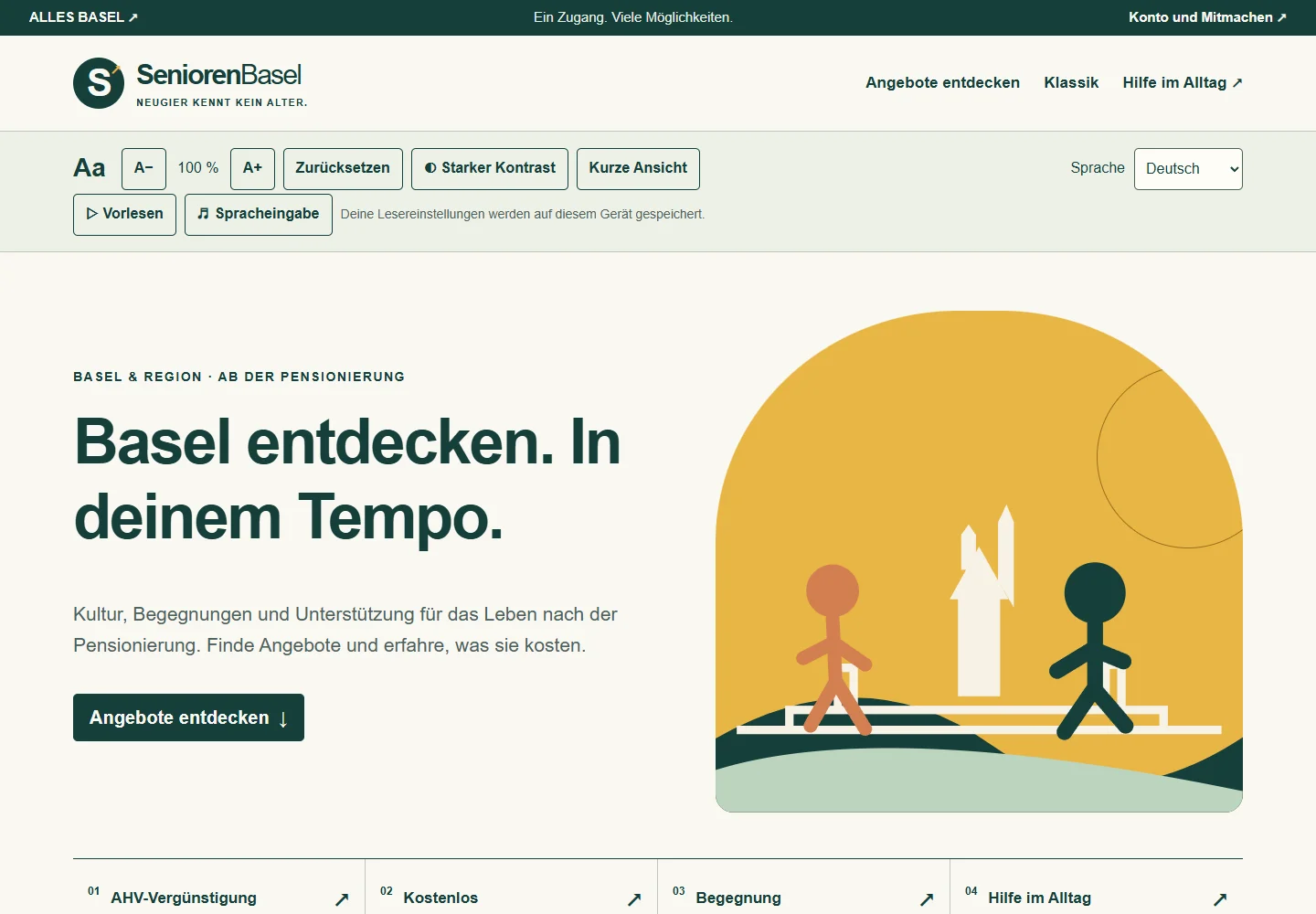
Discover Basel. At your own pace. Culture, encounters, exercise and support after retirement, with clear prices and adaptable controls.
An affordable offer is useful only when its conditions are clear and the site is easy to use. SeniorenBasel brings together culture, encounters, learning, exercise and everyday support with concrete information about prices and access. Swiss retirement-pension concessions, free entry and special senior rates are clearly distinguished. Text size, contrast, a compact view, read-aloud and language settings support different needs.
What you can do
Search and filter offers by topic, price and conditions.
Distinguish retirement-pension concessions, free offers and senior rates.
Adapt text size, high contrast and the compact view to your needs.
Use read-aloud, voice input and multiple interface languages as additional ways in.
Accessibility belongs to the whole application: clear conditions, straightforward choices and controls that let people set their own pace.
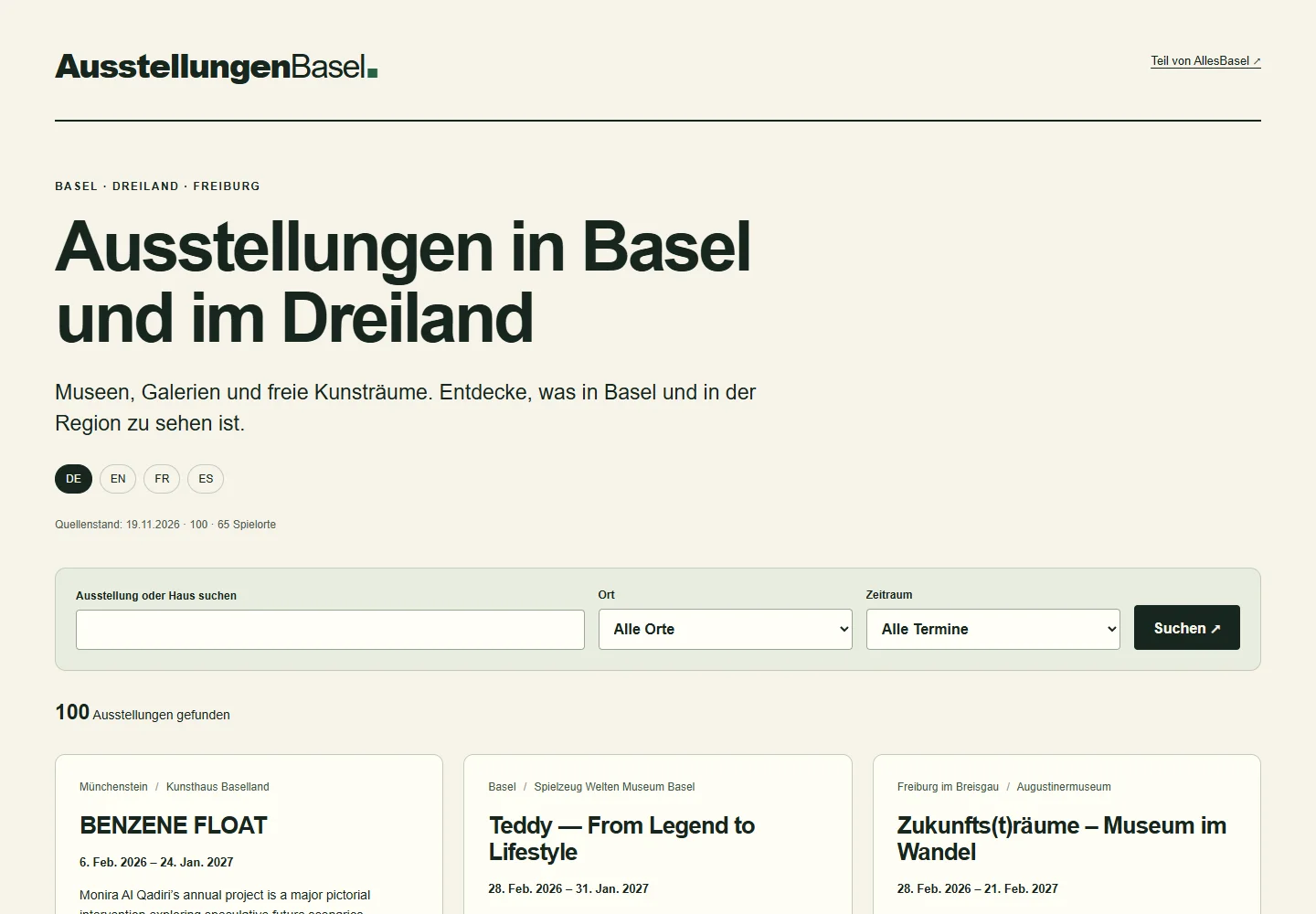
Discover museums, galleries and independent art spaces in Basel, the three-country region and as far as Freiburg. With dates, visiting conditions and direct official sources.
What is on today, and is it worth the trip? AusstellungenBasel brings together current and upcoming exhibitions across several cities. Search by exhibition or venue and filter by place and date to make sense of the programme. Entries combine dates, content and available information on admission and concessions. The official source stays one click away.
What you can do
Search by exhibition or venue.
Filter by city and dates, distinguishing current from upcoming exhibitions.
View content, exhibition dates, admission and concessions together.
Open official sources and visiting conditions; use the interface in German, English, French or Spanish.
One starting point for many exhibition venues. Scattered programmes become a clear basis for planning your next visit.
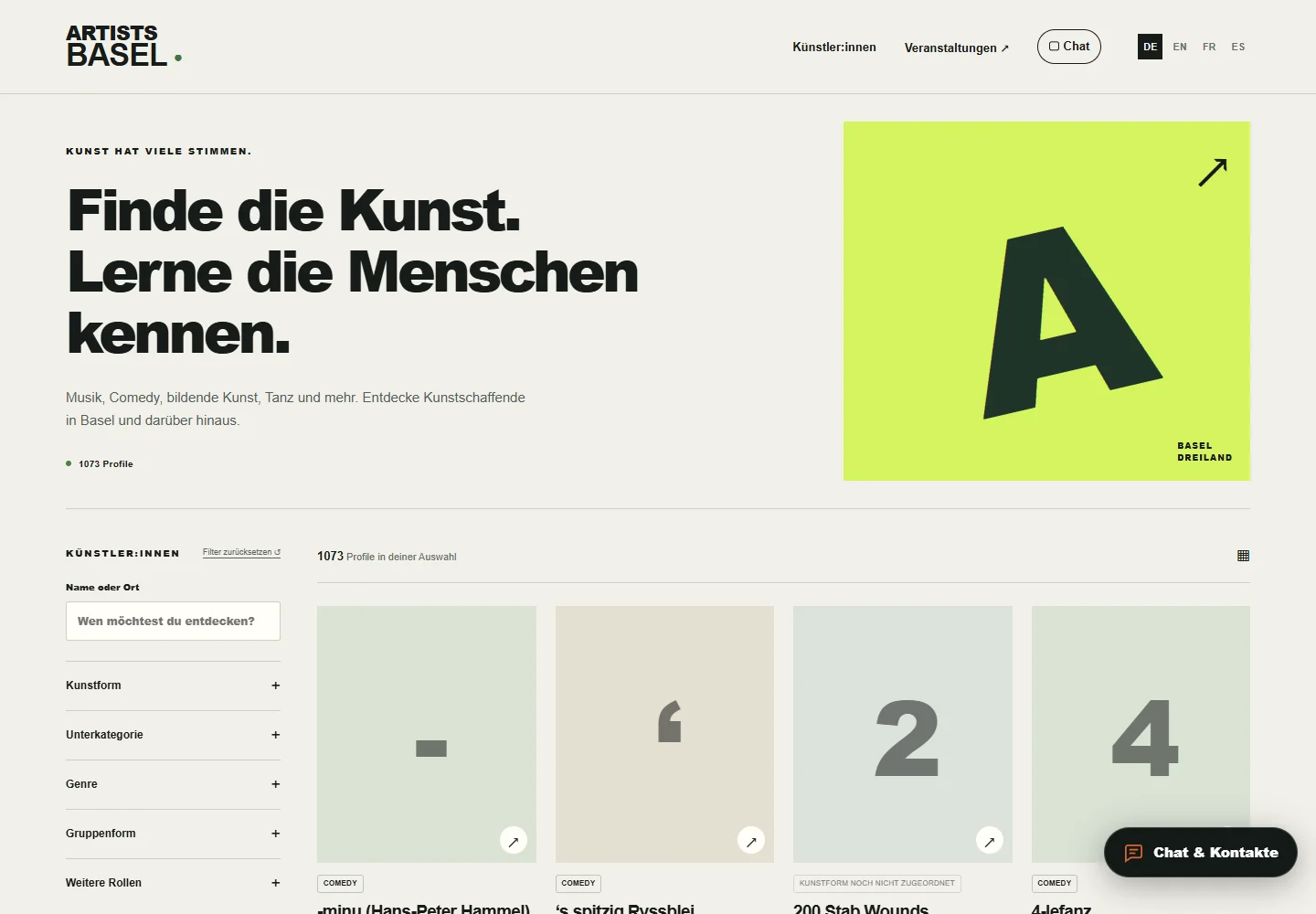
Art has many voices. A cross-disciplinary directory makes artists, ensembles, bands and collectives discoverable in Basel and beyond.
Discovering or shaping culture often starts with finding people. ArtistsBasel offers one way into music, comedy, visual art, dance and other art forms. Its search connects names and places with disciplines, genres, group types and additional roles. It makes individual artists visible alongside ensembles, bands, collectives and the connections between them.
What you can do
Search artists by name or place.
Filter by art form, subcategory and genre.
Discover ensembles, bands, collectives and other group types.
Explore profiles and additional roles through German, English, French or Spanish navigation.
People are the starting point. The platform opens up a cultural scene through disciplines, roles and shared work.
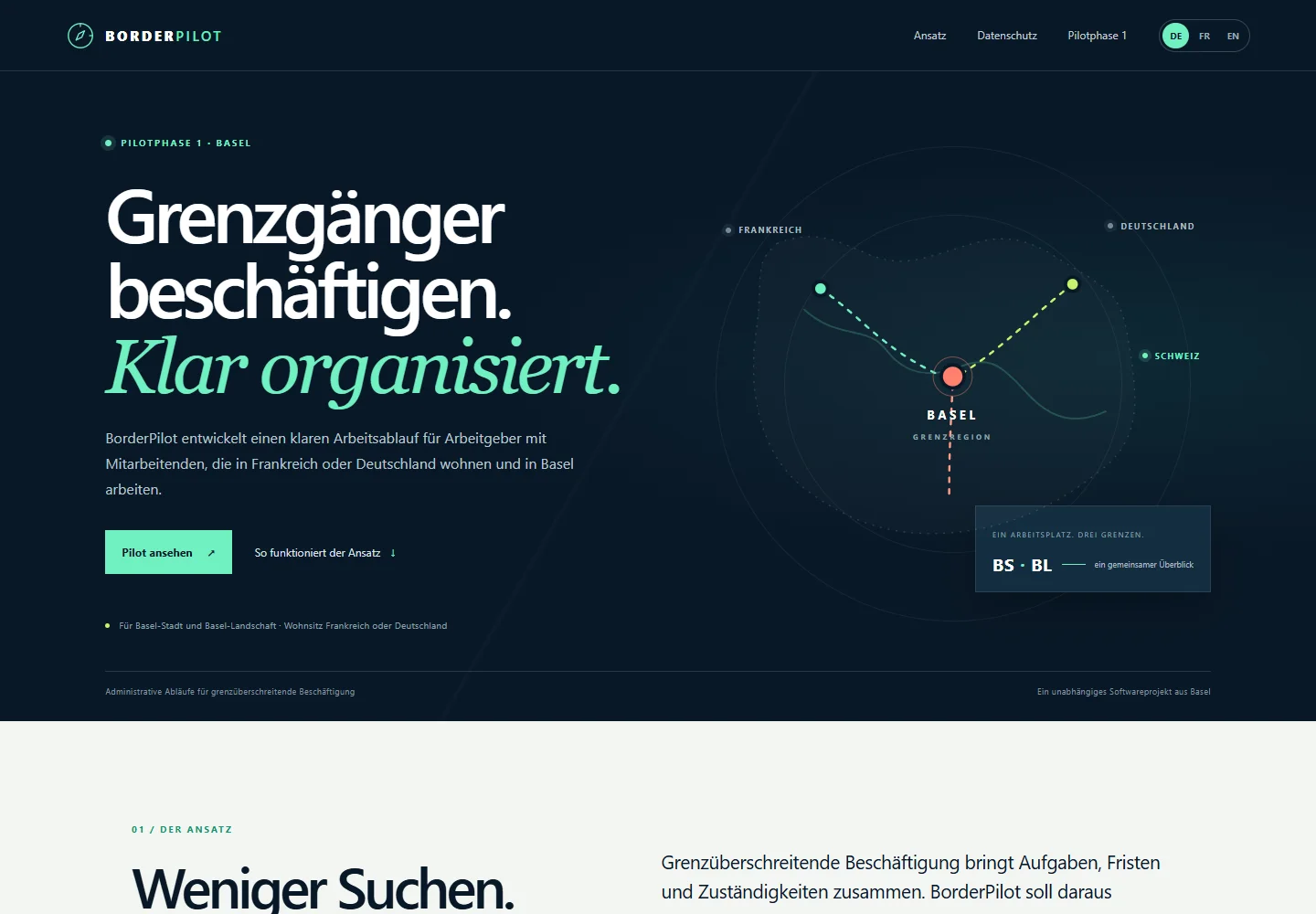
A product pilot for employers with staff who live in France or Germany and work in Basel. Tasks, deadlines and responsibilities are brought into a planned, clear workflow.
Cross-border employment connects residence, workplace, personal documents and several authorities. BorderPilot starts with employers in Basel-Stadt and Basel-Landschaft whose staff live in France or Germany. The published pilot website explains the planned workflow and separates the status information an employer needs from private documents. The current product is a trilingual pilot website supporting a joint launch with employers in the region.
What you can do
Understand the planned journey from context to tasks and status.
Explore the four pilot combinations: France or Germany to Basel-Stadt or Basel-Landschaft.
Read which information employers need and which documents should remain private.
Explore the pilot scope in German, French and English.
Make complex cross-border processes understandable. A clearly scoped pilot with traceable next steps and a deliberate separation of private information.
16 / CONNECTED SYSTEMSHEIMAT BASEL · CUSTOM DEVELOPMENT
HEIMAT.OS
One interface. An entire venue.
Music, lighting, cameras, telephony, files and infrastructure, connected around the work on site.
For a venue in Basel, I am developing a shared operations interface built on Home Assistant. It covers everyday controls through to technical administration, on both a large screen and a smartphone.
My work includes design, custom controls, device and data connections, and ongoing development. Many separate systems become one workspace people can find their way around.
The right sound. In the right room.
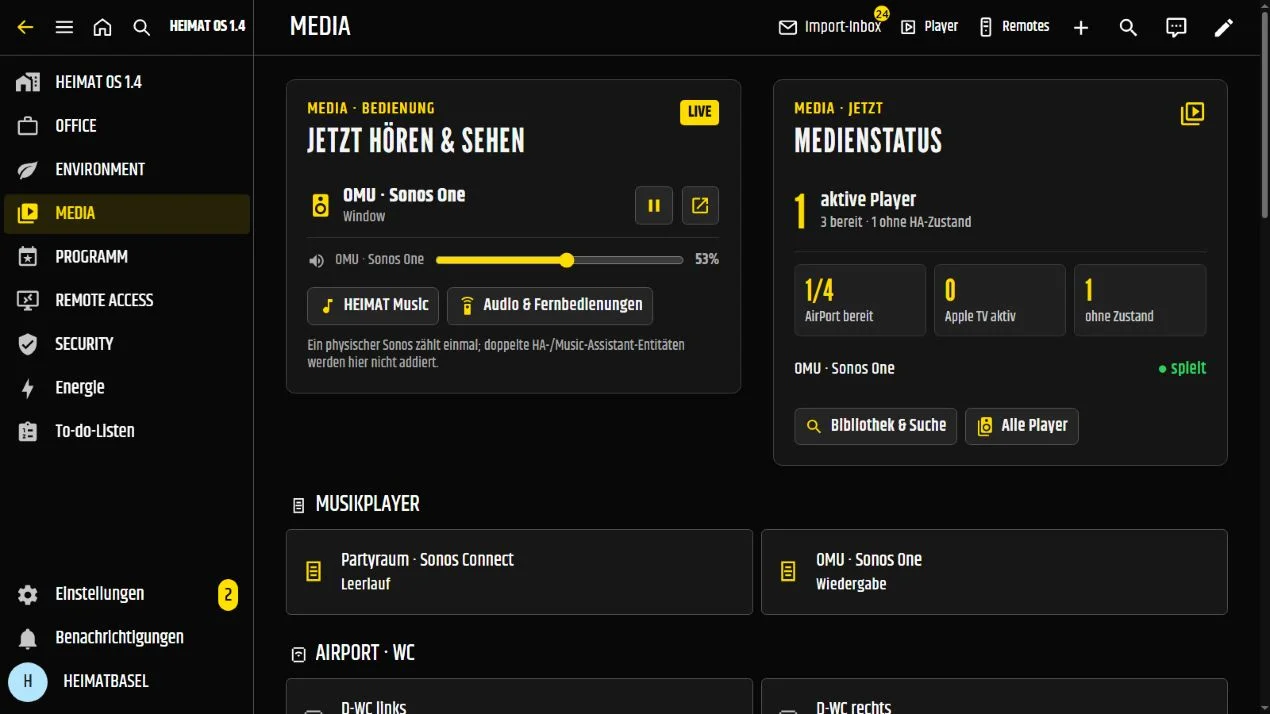
Search for music, choose a player and control playback. HEIMAT.OS connects the music library, output devices and remote controls with the place where sound is needed.
Search for tracks and albums through Music Assistant.
Choose Sonos players and control playback and volume.
See available outputs and their individual status.
Go straight from the media overview to the relevant device controls.
Original capture · media overview · 3 November 2026. Values shown reflect that date. · Open image to enlarge ↗
Set the mood. With clear controls.
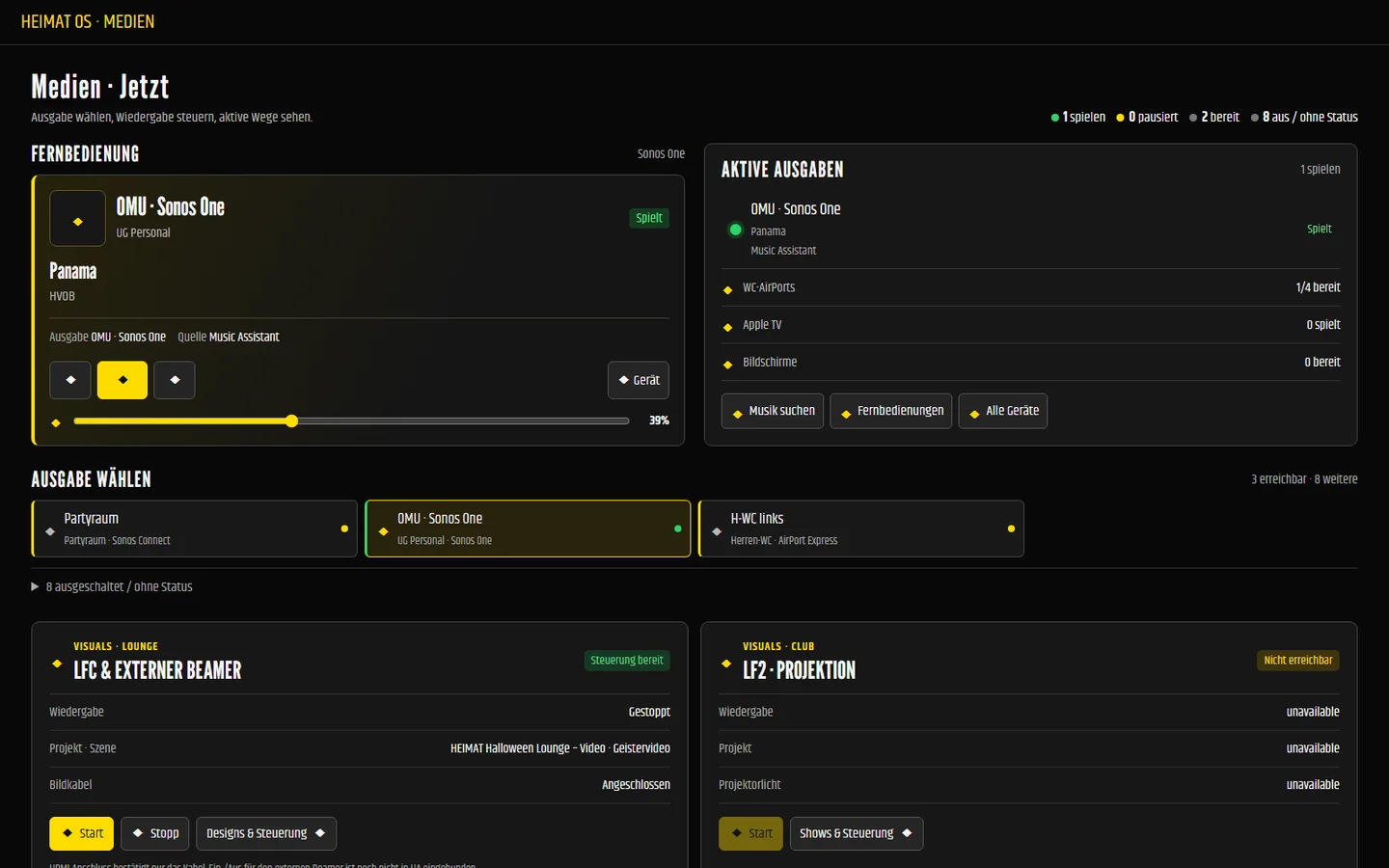
Lighting and visual design are part of a good evening. Room-based navigation and custom interfaces lead to the connected controls. Projections and their playback also have a clear place in daily operations.
Access lights and scenes through the venue’s different areas.
See Lightform projects and their reported playback status.
Find available start and stop commands alongside the projection.
See whether a device is reachable or still needs checking.
Interface study from the HEIMAT.OS project · media and Lightform · 4 November 2026. Not a live display. · Open image to enlarge ↗
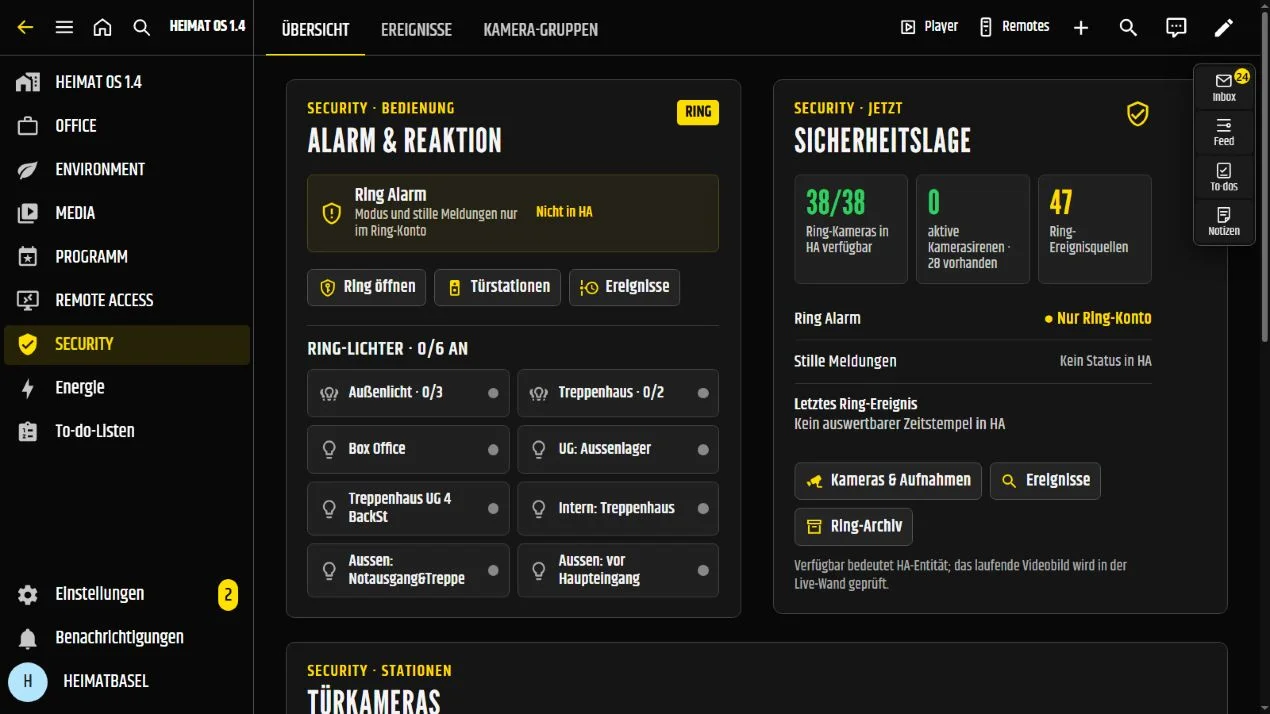
See what’s happening on site.
Cameras, recordings and events become accessible in one workspace. Authorised users can switch views and open relevant recordings. Device administration and everyday controls have their own areas.
Open connected live feeds in selectable camera views.
Use camera groups and personal layouts.
Play available Ring recordings and download them as MP4 files.
Trace events back to their source and distinguish device states.
Original capture · security workspace · 3 November 2026. Later recording and administration improvements are documented in the project reports. · Open image to enlarge ↗
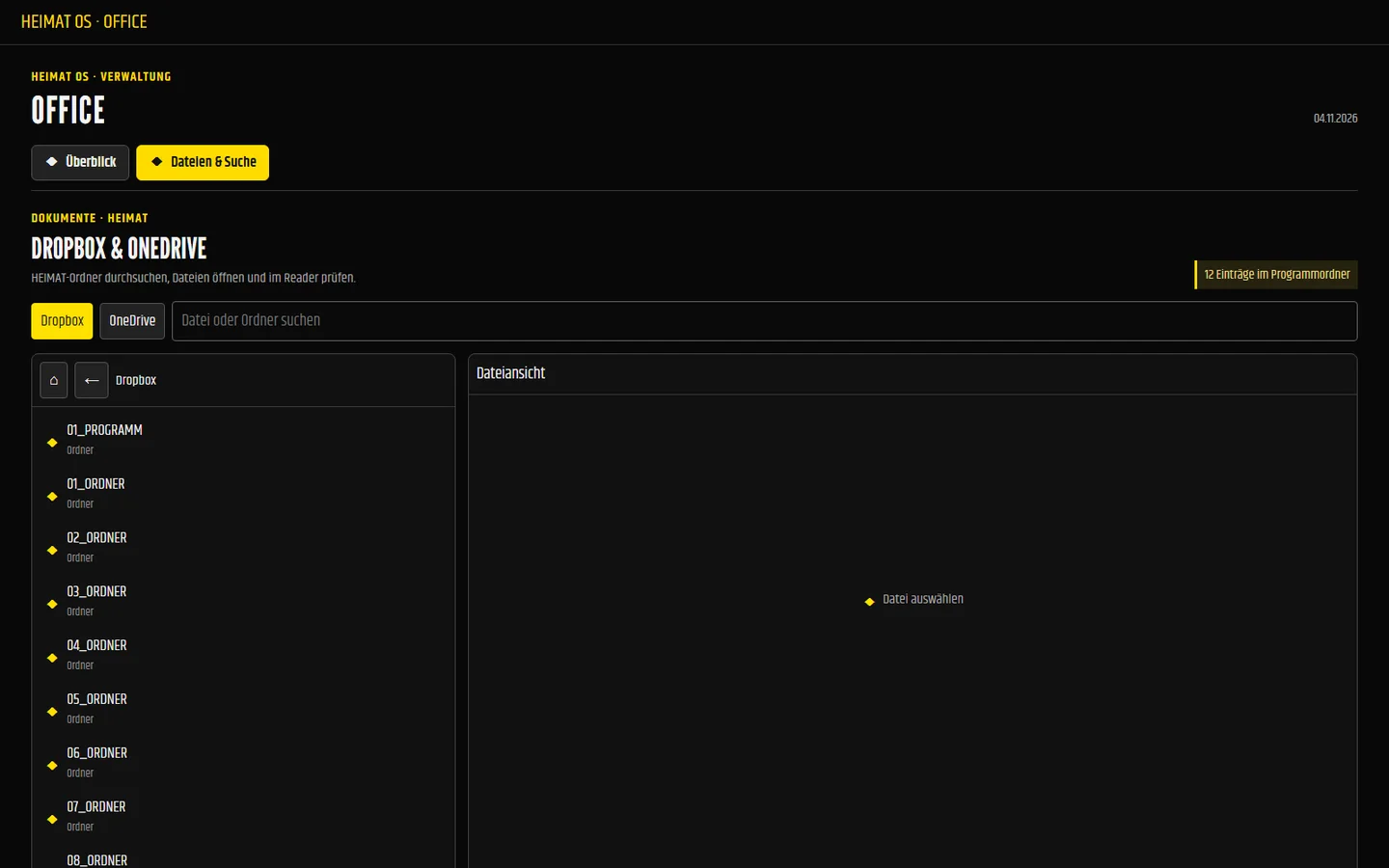
The work goes beyond the stage.
Files, contacts and telephony are part of everyday work too. HEIMAT.OS opens up shared cloud folders and connects contact options with a common phone bar. Private content stays in the protected area.
Browse Dropbox and OneDrive folders and preview files.
Find contacts and their sources in one shared directory.
Send a contact’s phone number to the phone bar.
View Yealink device status, lines and the available call history.
Interface study from the HEIMAT.OS project · files and search · 4 November 2026. Calls use the connected device; browser calling is not presented as completed. · Open image to enlarge ↗
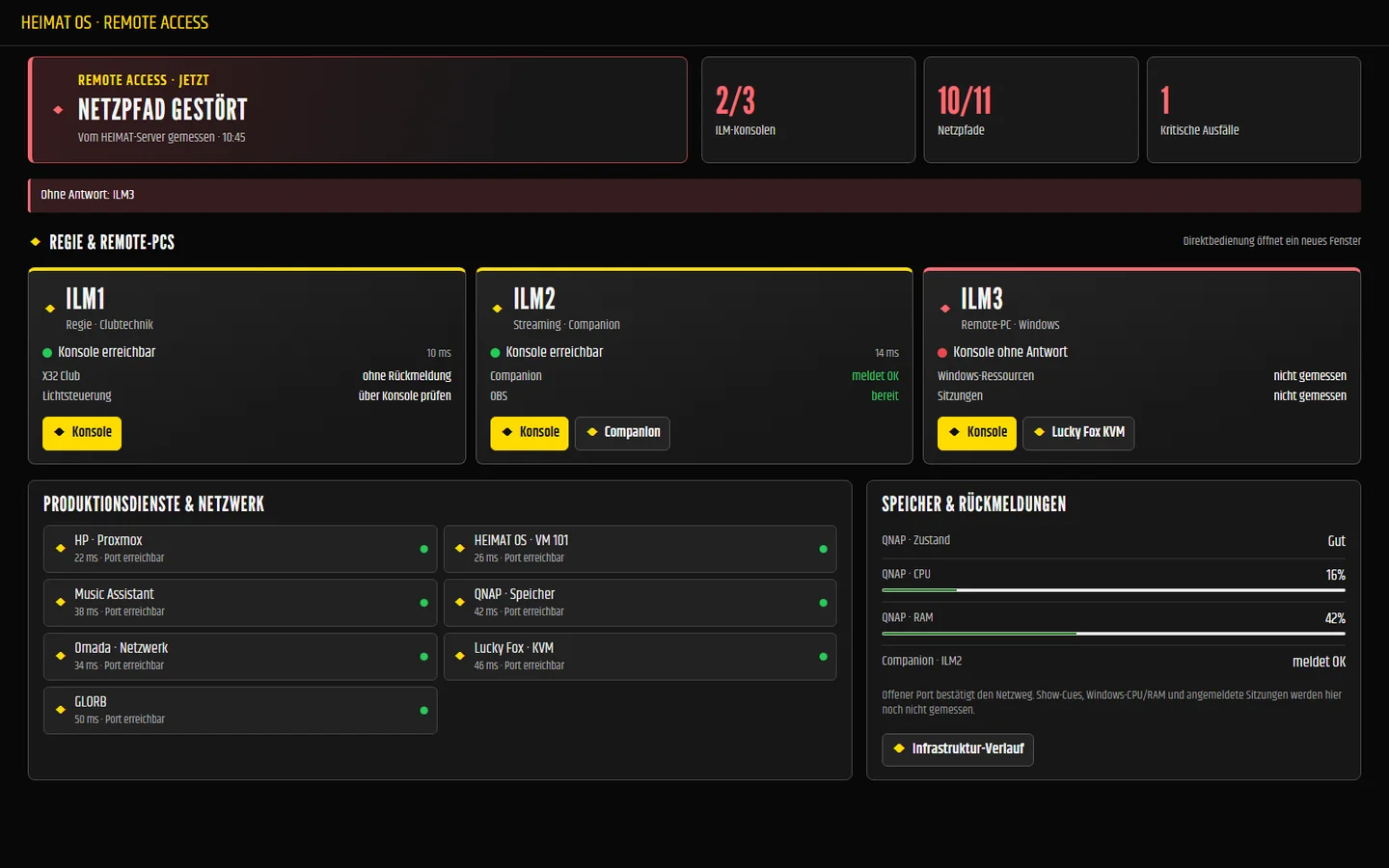
Understand the technology. Find the fault.
Computers, servers, networks and venue equipment have different jobs. A shared overview makes their access points and feedback easy to find. ONSITE organises technical administration; the workspaces show what is needed in daily use.
Find devices, services and their access points together.
Understand network status through the Omada connection.
Open available remote access to control-room and streaming computers.
Bring ATEM, Companion, cameras and media connections into daily operations.
Interface study from the HEIMAT.OS project · remote access and infrastructure · 4 November 2026. Measurements and availability reflect a documented development stage. · Open image to enlarge ↗
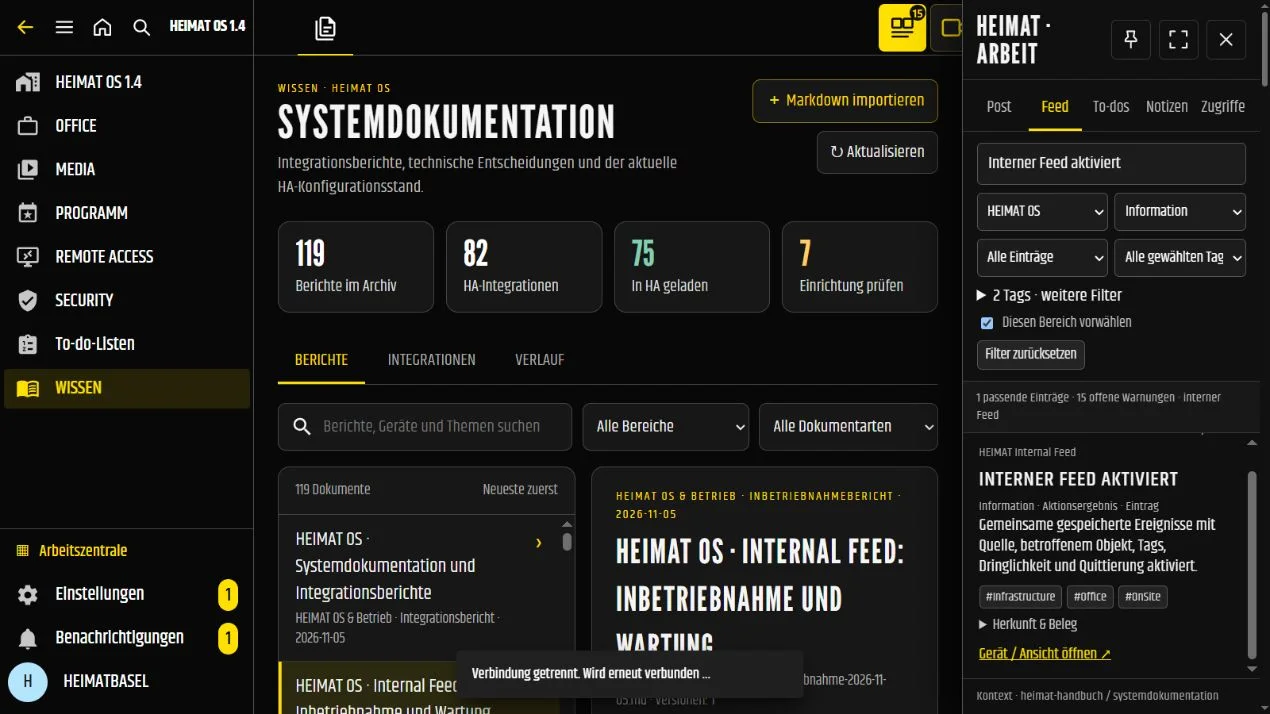
More than controls. A clear overview.
What happened? Which source reported it? What changed? A shared event feed and searchable report archive make operations traceable. Technical changes are documented with a clear version history.
Organise notifications by source, affected device and urgency.
Search and filter events, then open the relevant view.
Find integration reports, instructions and technical decisions.
Record changes, checks and recovery paths in the system documentation.
Original capture · knowledge archive and internal event feed · 5 November 2026. Documented archive figures, not current operating values. · Open image to enlarge ↗
01 / 06
One way to work.
Rooms and tasks define the structure. Media controls, camera feeds, files and technical access share a consistent design. Reusable components keep the experience coherent as the system grows.
Custom connections.
Home Assistant provides the foundation. Custom extensions connect devices, services, events and content. JavaScript, Python, REST interfaces, MQTT and WebSockets handle different parts of the connection and presentation.
Development that supports operations.
Version records, integration reports and documented checks are part of the project. The overview distinguishes reachable, unavailable and not yet checked. Which functions can be used depends on the device, connection and access rights.
Home AssistantMusic AssistantJavaScriptPythonRESTWebSocketsMQTTSonosLightformRinggo2rtcYealinkOmadaATEMCompanionDropboxOneDriveProxmoxLinux
Views from the internal HEIMAT.OS project. Functions described from documented project stages through 8 November 2026; captures and studies are individually dated. The actual operating interface is protected.
An independent project about digital memory and working with knowledge. It starts with a simple question: how can important information stay useful when it is scattered across conversations, notes and work in progress?
The idea centres on context, understandable organisation and a path back to relevant information. What matters is not how much is stored, but whether it helps at the right moment.
Project concept · a confirmed public feature overview will follow
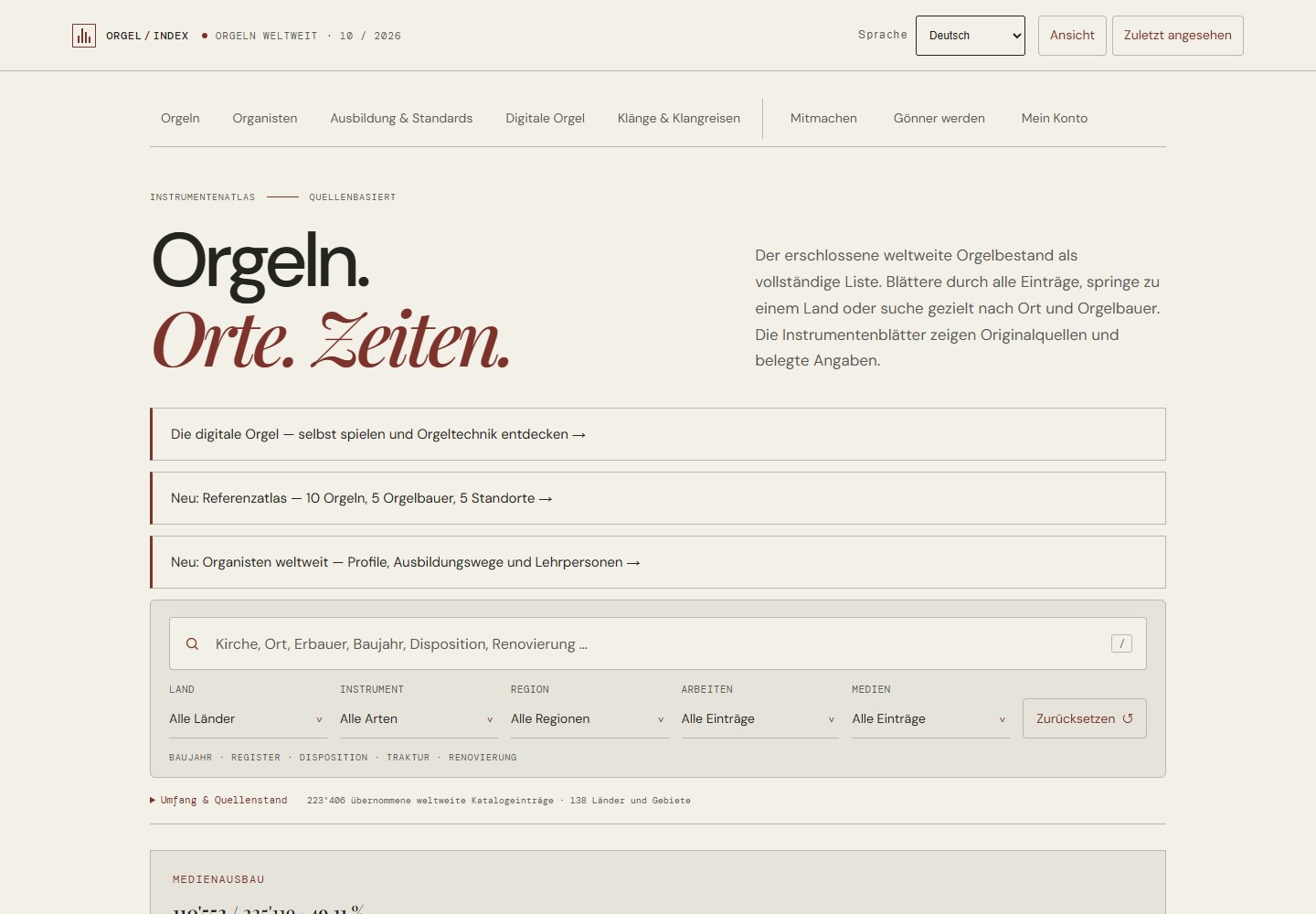
Orgel-Index connects instruments, places and the people behind them. A worldwide catalogue brings together building history, music and craft knowledge – accessible to the curious and useful to specialists.
Figures as of 21 November 2026. Historical configurations have separate records; the total does not represent instruments individually inspected on site.
From finding to understanding.
Search by country, place, organ builder or technical details. Open sources, compare historical configurations and trace changes to an instrument. Conflicting information stays visible rather than disappearing behind an apparently certain figure.
People are part of the story.
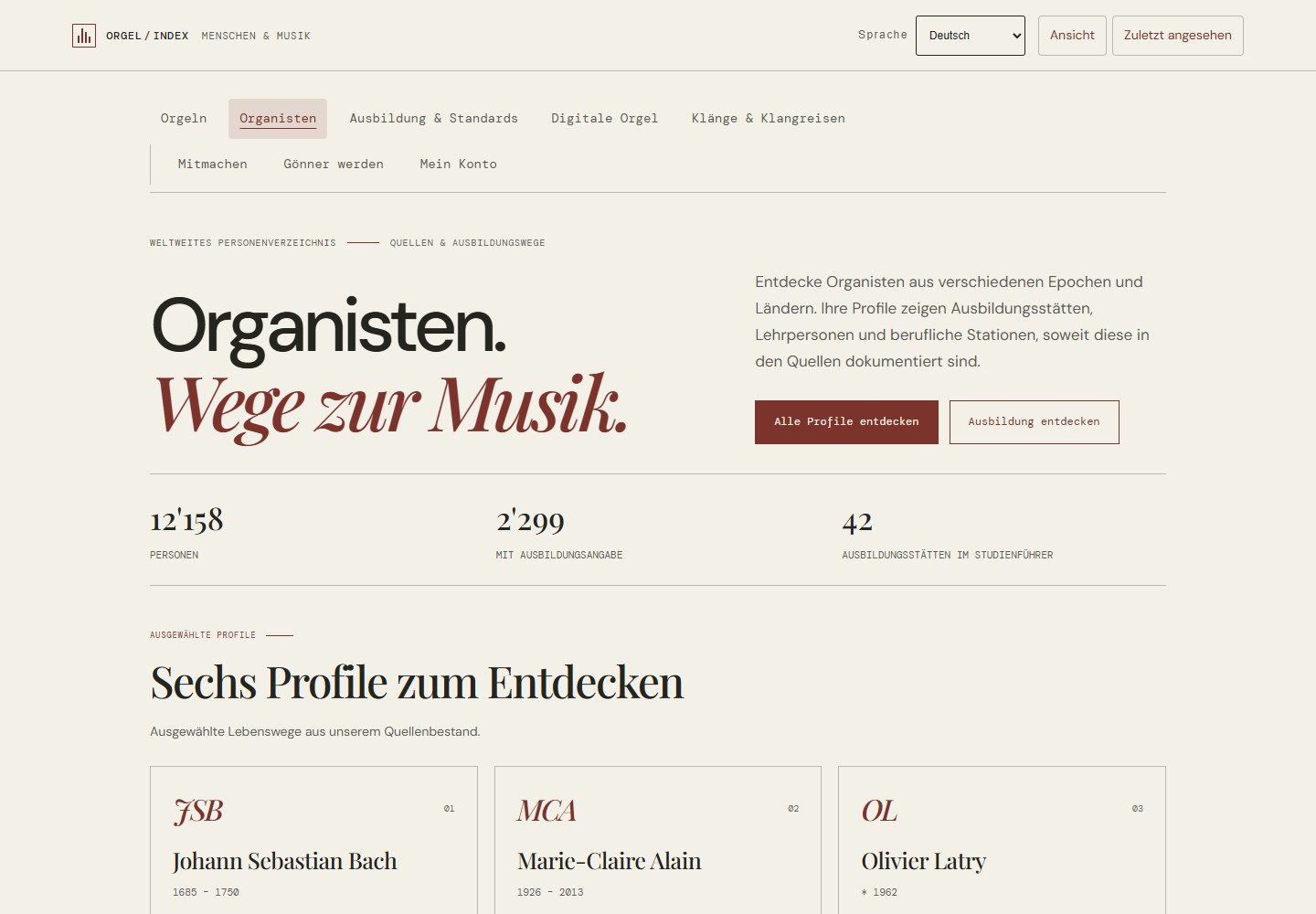
Organists, composers, workshops and educational paths give the collection a human face. Profiles reveal career milestones and connections with teachers where sources document them. An instrument becomes a route to people, music and knowledge.
Play it. Hear the connections.
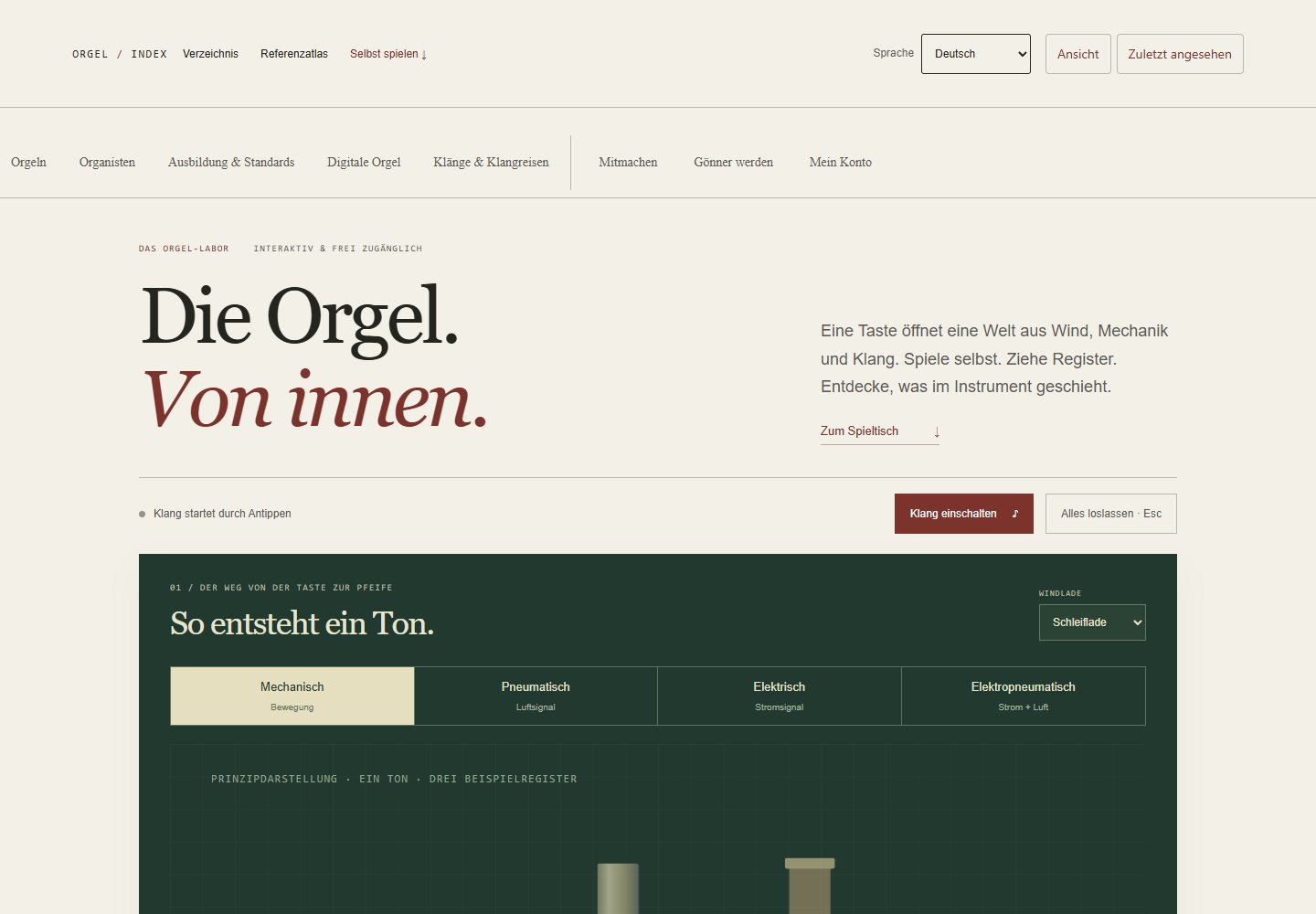
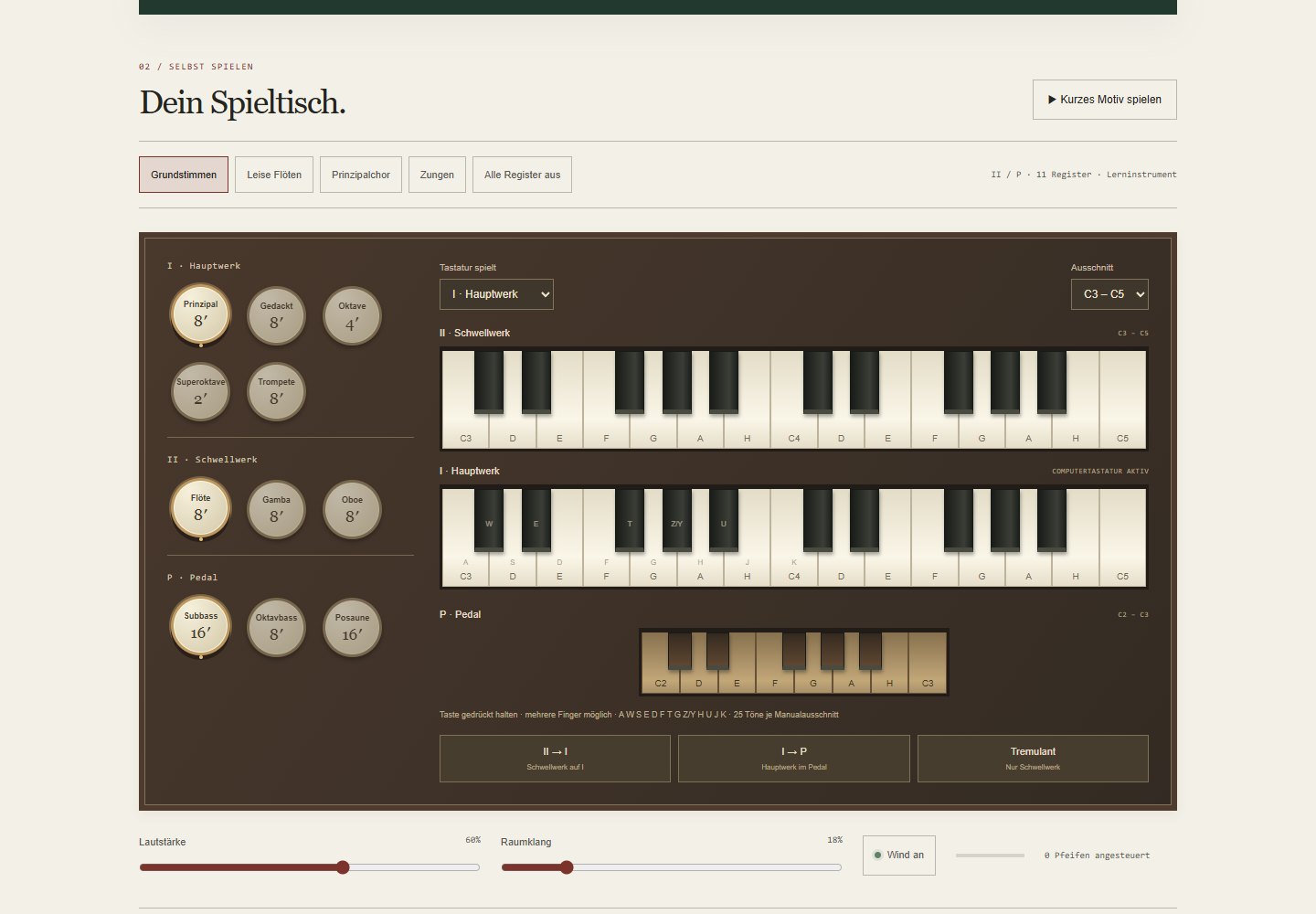
The digital learning organ runs in the browser: two manuals, pedals and eleven stops. Play notes, combine tones and discover how wind, mechanisms and pipes work together. Interactive diagrams compare different actions and windchests.
Original sources, photographs, recordings and documents enrich profiles where available. Further development includes original views, sectional drawings, construction plans and sketches. A forthcoming drawing sheet is labelled as work in preparation, not a finished document.
Ten languages. One shared way in.
German, English, French, Italian, Spanish, Portuguese, Dutch, Polish, Japanese and Simplified Chinese. The interface is multilingual; historical names, stop lists and original sources retain their own language.
For my dad.
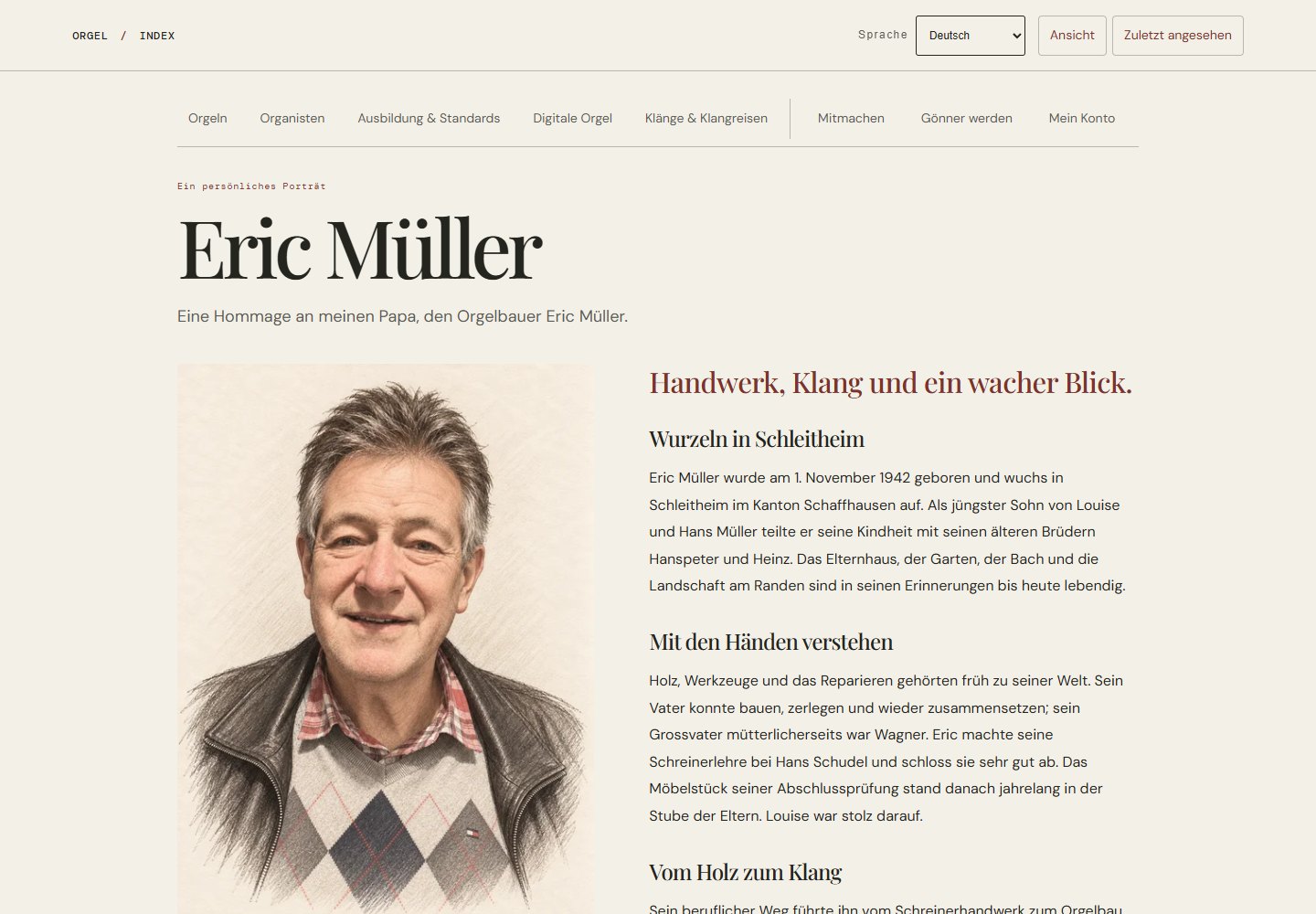
Orgel-Index is dedicated to my father, Eric Müller, a carpenter and organ builder. His portrait connects family memories with the craft behind the sound. This personal story becomes a public place for knowledge worth passing on.
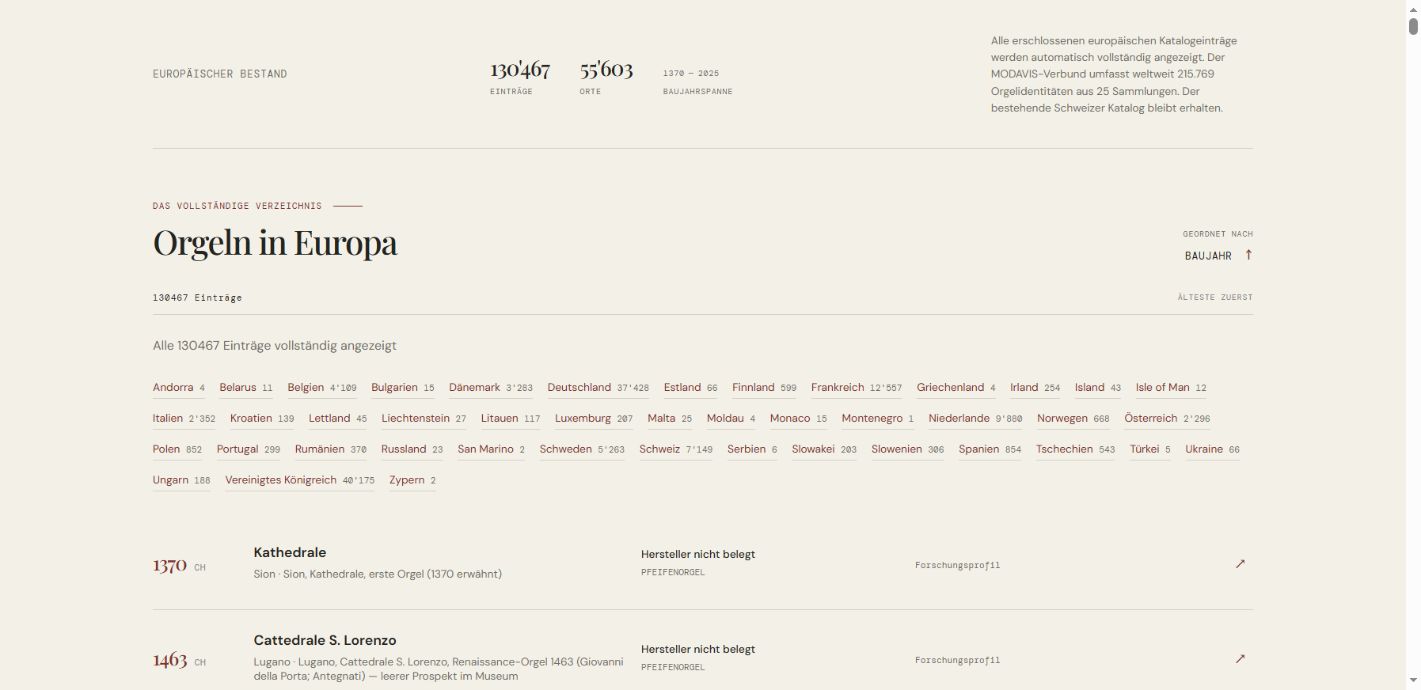
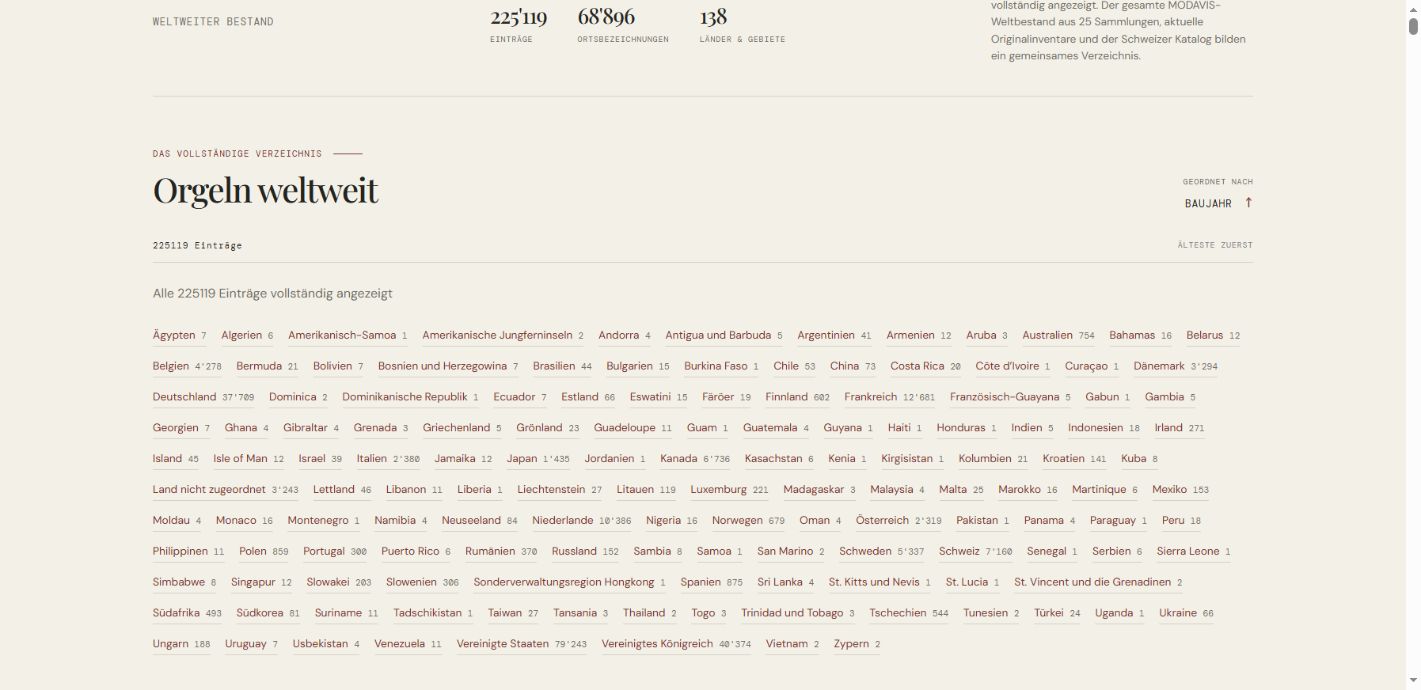
Original development captures from 9 October 2026: the European collection, its worldwide expansion and the mobile location view. These are historical working versions; current functions and figures are described above.
You explain what should be easier. I work out how to make it happen.
01
Websites that do useful work.
From a clear company website to a substantial platform: content, search, directories, event programmes and ways to participate. Clearly structured and just as useful on a phone as on a large screen.
02
Apps for iOS and Android.
Mobile applications for iPhone, iPad and Android. From the idea through interface design and data connections to testing, publication and ongoing development. A dedicated app or an installable web app, depending on the task.
03
Software that takes work off your hands.
Internal tools, admin interfaces, forms and recurring processes. Enter information once, reuse it sensibly and display it where it is needed.
04
Data that fits together.
Structure, clean up and connect directories, content and existing data. With search, filters, traceable sources and maintenance that works in everyday use.
05
Systems that work together.
Connect websites, apps, external services and devices. Interfaces, automatic handovers and shared controls turn individual tools into a useful whole.
06
Research that helps you move forward.
Support research, unlock content, put information in context and simplify recurring work. With traceable results and clear boundaries for data, costs and responsibility.
07
Responsibility that lasts.
The work continues after launch: fixing problems, maintaining content, checking updates and improving features. With documented changes, backups and a clear route to recovery.
02 / DOWN TO THE DETAILS
Built well. Looked after.
From the visible interface to the database. From the first test to the next update.
Technologies used in the projects shown and services for new ideas. The task guides the choice.
Websites & web applications +
Languages and interfaces HTML, CSS, JavaScript and TypeScript. React for interactive interfaces; Next.js and Astro for structured websites and applications.
Structure and interaction Reusable components, responsive layouts, forms, search fields, filters, directories and admin areas. Content and interactions are designed so features can be extended deliberately.
Rendering and delivery Static pages or server-rendered content, chosen to suit freshness, interaction and maintenance needs.
iOS & Android apps +
From workflow to app Concept, screen design and mobile interaction for iPhone, iPad and Android. Accounts, search, personal areas and data connections are planned around real use.
Suited to the device Notifications, camera, location and offline use can be part of the agreed scope. Permissions are explained where they are needed.
The right way to publish Dedicated apps for the App Store and Google Play, or installable web apps. Including device testing, release preparation and later updates. The approach follows function, budget and operating needs.
Databases, content & access +
Data storage PostgreSQL and Neon for structured data. Data models, relationships, queries, imports, exports and traceable changes.
Maintain content yourself Content management and editorial interfaces for content and directories. Technical structure and everyday editing are planned together.
Protected areas Member accounts, sign-in and roles. Better Auth is among the tools used in the projects shown. Public content and internal information need different access rules.
Interfaces & automation +
Connect services REST interfaces, JSON, webhooks and server-side processes with Node.js. Transfer, validate and pass data between systems for a clear purpose.
Recurring work Imports, data synchronisation and scheduled updates. With logs, visible errors and a clear approach to incomplete information.
Devices and operations Home Assistant for connected devices, states and controls. Shared interfaces can bring lighting, music and other equipment within reach.
Research & knowledge systems +
A clear purpose Research, structure, summarise and explain information clearly, according to the task.
Sources and limits Link evidence, show uncertainty and avoid sensitive input. A convincing explanation is no substitute for a verifiable basis.
Part of everyday work Integrate research and knowledge features into existing interfaces and processes. Access rights, usage limits and costs are part of the design.
Standards, discoverability & speed +
Accessible interaction Semantic HTML, keyboard controls, visible focus indicators, clear forms and appropriate ARIA labels. Contrast, text size and reduced motion are considered.
Search engines and previews Page titles, descriptions, structured data with Schema.org, Open Graph, clear page addresses and redirects. Multilingual content follows a coherent structure.
Loading speed and stability Suitable image sizes and formats such as WebP, lazy loading, lean scripts and sensible caching. Check what actually arrives on desktop and mobile.
Hosting, security & publication +
Services and tools Reliable hosting for publication; Git and GitHub for traceable development and collaboration.
Controlled releases Previews, build checks and controlled releases. Domain configuration, HTTPS and redirects are part of the publishing process.
Protected data Access rights, server-side keys, input validation and minimal data collection. Requirements are defined around the data and intended use.
Testing, care & maintenance +
Check function and presentation Automated function tests, browser checks with Playwright, and reviews on small and large screens. Check that the experience makes sense as well as that the code runs.
Stay involved after launch Investigate errors, update dependencies and keep content and sources current. Document changes and return to an earlier version when necessary.
Back up and recover Data backups, recovery exercises and documented responsibilities. Scope and check intervals are agreed for each project.
04 / STAY IN THE LOOP
Only what’s new. And relevant to you.
Follow one project or keep an eye on the whole studio. Choose individual topics, new projects or updates to existing projects.
By email when there is something relevant to your choices. Or without an email address, through RSS in your feed reader.
Prefer your own feed reader?
RSS is an open news feed. Add its address to your reader and new posts will appear there as they are published.
Responsible for processing: Omu.studio · Olivier Mueller, Basel. We store your email address, chosen topics and consent in Omu.studio’s protected administration area. This data is used for the project updates you requested and is not displayed publicly.
A random browser identifier is stored locally for project reactions. It helps prevent another vote from the same browser. There is no account or identity check. Reactions are stored with the project and vote direction. The random vote identifier and reaction data are technically publicly retrievable, without names or email addresses.
Email consent is not preselected. Every update email must include a way to unsubscribe. To change your topics or request deletion, you can also use the contact form. Changes replace an earlier selection only after they have been processed.
Studio analytics records a random browser and session identifier, project views, project clicks, RSS feed clicks, reactions and successful newsletter sign-ups. It contains no email addresses and is readable only in Omu.studio’s protected administration area. ‘Visitors’ means recognised browsers, not verified people. Page views of the animated preview are not counted. Project interest, reactions and sign-ups there are still linked to the relevant page.
Signing up does not trigger an immediate update email. News is edited, published and sent when there is something to share. RSS contains the same published studio news and requires no sign-up.
Omu.studio uses contracted service providers to operate forms and check spam. An additional security check loads Google reCAPTCHA when needed. Form processing privacy information ↗
Your topics. Your inbox.
Loading update sign-up …
An idea. A problem. A good starting point.
What’s on your mind?
A direct route. For your enquiry.
A question, a new idea or a conversation about a platform? Send me a message or request a callback. Leave the relevant details in two short steps.
Press, partners and service providers can also use this form. Please send specific, project-related enquiries rather than generic advertising.
A preferred callback time is a guide, not a confirmed appointment.
Form privacy information +
Omu.studio · Olivier Mueller, Basel is responsible for processing. Your details are used to handle this enquiry and provide the reply or callback you request. You do not need to supply a postal address.
Omu.studio processes your enquiry through a protected form area. This does not subscribe you to a newsletter. Form details remain in Omu.studio’s protected administration area and are not published. Please do not send passwords, identity-document copies or particularly confidential information.
To protect the form, submissions are checked automatically for spam, including their content. If an additional security check is needed, Google reCAPTCHA is loaded. This may process technical data such as your IP address and device information. Essential visitor data and a locally stored sending time support the form and help prevent repeated sending.
Details are kept only as long as needed to handle your enquiry, any subsequent work together or legal obligations. You can use this form to request access, corrections or deletion.